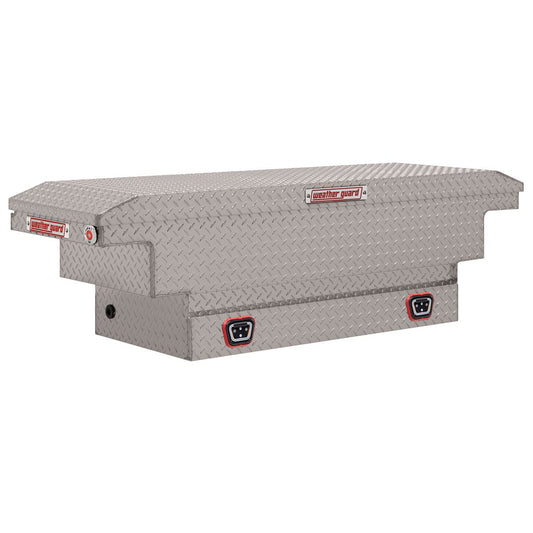
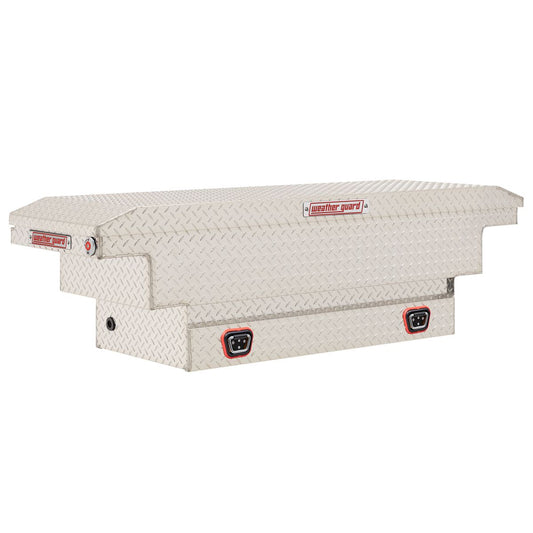
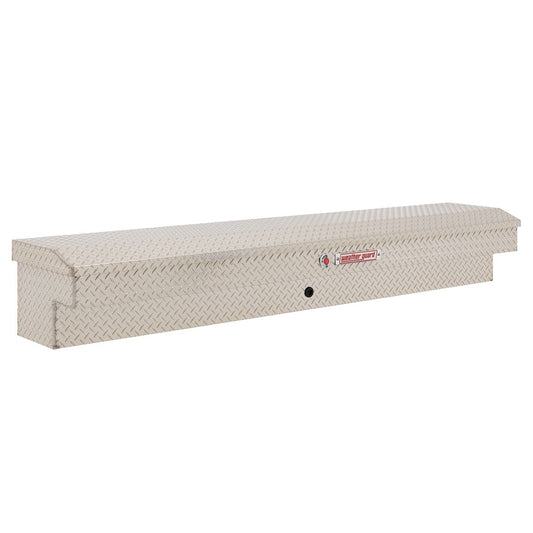
How To Key Locks On Weather Guard Toolboxes
|
Posted in Installation Videos
If you’ve just installed a new Weather Guard tool box, one of the first things you’ll need to do is key the lock cylinder. Weather Guard’s One-Key UltraLock system makes this quick and easy — no locksmith, no replacement cores and no complicated setup.
In this guide, we’ll show you how to program the lock on your Weather Guard toolbox so it works with your key. The process only takes a minute, and once it’s done your box is ready for work.
Watch the Video: How to Key Weather Guard Toolbox Locks
In this video, Ryan from Upfit Supply walks through the full process of coding the One-Key UltraLock system found on many newer Weather Guard toolboxes.
What Is the Weather Guard One-Key UltraLock?
If you have a Weather Guard 03 series or newer tool box, it likely includes the One-Key UltraLock system. These locks are designed to be programmed by the user the first time the box is installed.
This system allows tradespeople to:
- Quickly program a toolbox lock to their key
- Key multiple boxes the same for convenience
- Avoid replacing lock cores
- Maintain secure tool storage on the jobsite
You’ll know your toolbox needs to be keyed if there is a warning sticker covering the push button on the lock when you first open the box.
If you're shopping for new boxes that use this locking system, browse our collection of Weather Guard crossover tool boxes or explore our full selection of truck tool boxes.
Step 1: Open the Toolbox
Start by opening the lid of your Weather Guard toolbox. Inside the packaging you’ll find your keys along with a card and instructions explaining how the lock programming process works.
The system is designed to be installer-friendly, which means you can program the lock yourself during installation.
Step 2: Locate Your Key Code
Each key included with your Weather Guard toolbox has a unique key number stamped on it.
This number is important because it allows you to:
- Order replacement keys if needed
- Match multiple boxes to the same key
- Register your key with Weather Guard
It’s a good idea to write this number down or keep it somewhere safe before programming your lock.
Step 3: Insert the Key Into the Lock Cylinder
With the toolbox open, insert your key into the lock cylinder.
Before you continue, remember an important detail: the One-Key UltraLock can only be programmed once. Once the lock is coded to a key, it cannot be reprogrammed to another key.
Make sure you are using the key you want assigned to the toolbox before completing the next step.
Step 4: Turn the Key to Program the Lock
To program the lock:
- Insert the key into the lock cylinder.
- Turn the key approximately three-quarters of the way.
- You will feel a small amount of resistance.
- Pull the key out.
At this point the lock is officially programmed to your key.
When the key is removed, the lock will be in the locked position.
Step 5: Test the Lock
Close the toolbox lid and press the latch button to lock the box.
Then unlock and open the toolbox several times to make sure the lock mechanism is fully seated.
A good rule of thumb is to lock and unlock the box about five times to confirm everything is working smoothly.
Step 6: Program the Second Lock
Most Weather Guard truck toolboxes have two lock cylinders — one on each side of the lid.
Repeat the same programming process on the second lock so both sides of the box are keyed to the same key.
Once both locks are programmed and tested, your toolbox is ready for daily use.
Key Multiple Weather Guard Boxes the Same
One of the advantages of the One-Key UltraLock system is that you can easily key multiple boxes the same.
If you have several Weather Guard toolboxes on your truck or across your fleet, simply program each lock using the same key during installation.
This allows you to run one key for all your Weather Guard storage, making life easier when you're moving between job sites.
If you're building out your truck storage setup, you can explore our full lineup of Weather Guard truck storage and tool boxes.
Secure Storage for Your Work Truck
Programming your toolbox lock takes less than a minute, but it’s an important step in protecting your tools and equipment.
With the lock keyed and tested, your toolbox is ready to handle the daily demands of the jobsite.
At Upfit Supply, we’re here to help you confidently customize your work truck or cargo van with professional-grade equipment that’s built for the trades.
Explore the collections below to upgrade your truck storage:
Upfit Supply — for the good of the trades.
Products Used On This Upfit
-
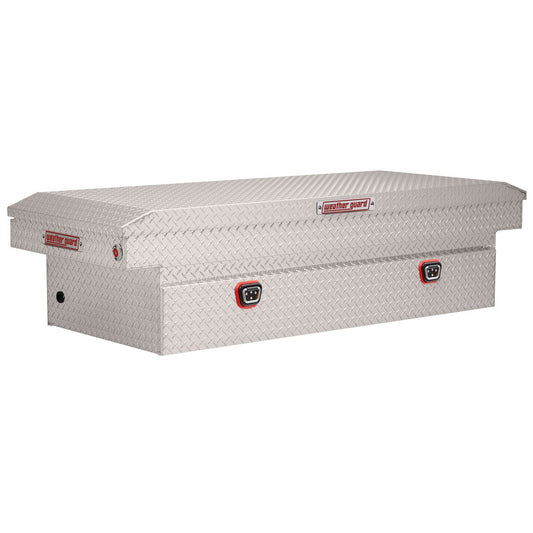
Weather Guard Crossover Tool Box - Full Size Trucks - Standard [3rd Gen]
Regular price $1,043.45 - $1,099.00Regular priceUnit price per$1,043.45Sale price $1,043.45 - $1,099.00cancel Out of stock.
Sold out -
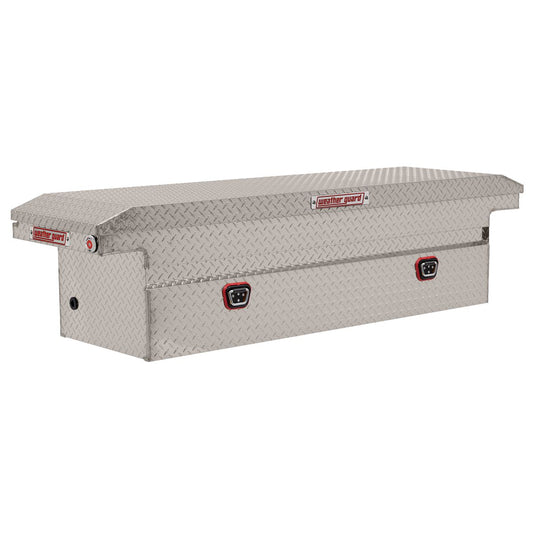
Weather Guard Crossover Tool Box - Full Size Trucks - Extra Wide [3rd Gen]
Regular price $1,054.00 - $1,205.66Regular priceUnit price per$1,054.00Sale price $1,054.00 - $1,205.66cancel Out of stock.
Sold out -
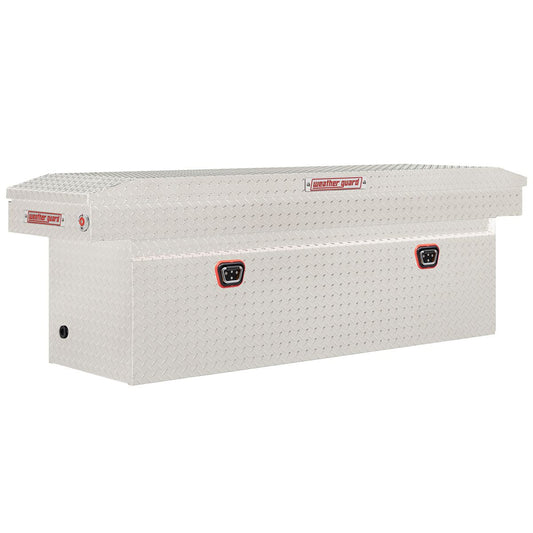
Weather Guard Crossover Tool Box - Full Size Trucks - Low Profile [3rd Gen]
Regular price $966.00 - $1,072.39Regular priceUnit price per$966.00Sale price $966.00 - $1,072.39cancel Out of stock.
Sold out -
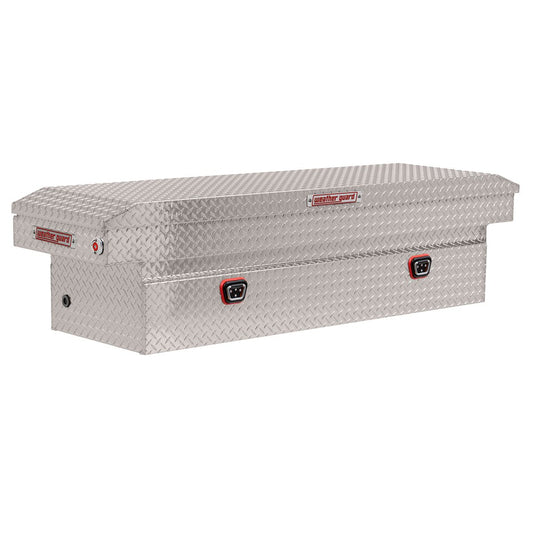
Weather Guard Crossover Tool Box - Full Size Trucks - Deep [3rd Gen]
Regular price $1,133.00 - $1,169.00Regular priceUnit price per$1,133.00Sale price $1,133.00 - $1,169.00check_box 8 in stock. Ships in 1 business day.
-
Weather Guard Crossover Tool Box - Mid Size Trucks - Standard [3rd Gen]
Regular price $932.00 - $1,063.30Regular priceUnit price per$932.00Sale price $932.00 - $1,063.30check_box 9 in stock. Ships in 1 business day.
-
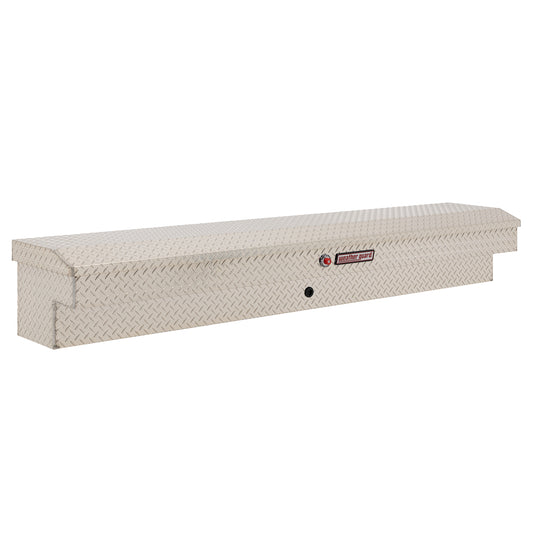
Weather Guard Side Mount Lo-Side Truck Box [3rd Gen]
Regular price $637.67 - $958.09Regular priceUnit price per$637.67Sale price $637.67 - $958.09check_box 3 in stock. Ships in 1 business day.
-
Weather Guard Crossover Tool Box - Mid Size Trucks - Low Profile [3rd Gen]
Regular price $961.00 - $1,038.41Regular priceUnit price per$961.00Sale price $961.00 - $1,038.41check_box 1 in stock. Ships in 1 business day.
-
Weather Guard Crossover Tool Box - Mid Size Trucks - Deep [3rd Gen]
Regular price $948.00Regular priceUnit price per$948.00Sale price $948.00cancel Out of stock.
Sold out -
Weather Guard Crossover Tool Box Aluminum Extra Wide Model 117-0-04
Regular price $1,462.00Regular priceUnit price per$1,462.00Sale price $1,462.00check_box 100+ in stock. Ships in 1 business day.
-
Weather Guard Crossover Tool Box Aluminum Low Profile Model 121-0-04
Regular price $1,340.00Regular priceUnit price per$1,340.00Sale price $1,340.00check_box 100+ in stock. Ships in 1 business day.
-
Weather Guard Crossover Tool Box Aluminum Deep Model 123-0-04
Regular price $1,622.00Regular priceUnit price per$1,622.00Sale price $1,622.00check_box 50+ in stock. Ships in 1 business day.
-
Weather Guard Crossover Tool Box Aluminum Standard Model 127-0-04
Regular price $1,340.00Regular priceUnit price per$1,340.00Sale price $1,340.00check_box 500+ in stock. Ships in 1 business day.
-
Weather Guard Crossover Tool Box for Mid-Size Trucks Aluminum Low Profile Model 131-0-04
Regular price $1,333.00Regular priceUnit price per$1,333.00Sale price $1,333.00check_box 50+ in stock. Ships in 1 business day.
-
Weather Guard Crossover Tool Box for Mid-Size Trucks Aluminum Deep Model 137-0-04
Regular price $1,315.00Regular priceUnit price per$1,315.00Sale price $1,315.00check_box 38 in stock. Ships in 1 business day.
-
Weather Guard Side Mount Tool Box 87x17x13 Aluminum Standard Model 164-0-04
Regular price $1,230.00Regular priceUnit price per$1,230.00Sale price $1,230.00check_box 50+ in stock. Ships in 1 business day.
-
Weather Guard Replacement Lock for 04 Series Crossover and Lo-Side Boxes - 70171R
Regular price $135.38Regular priceUnit price per$135.38Sale price $135.38check_box 100+ in stock. Ships in 1 business day.
-
Weather Guard Replacement Lock for 03 Series Crossover and Lo-Side Boxes - 70043R
Regular price $117.65Regular priceUnit price per$117.65Sale price $117.65check_box 500+ in stock. Ships in 1 business day.
-
Weather Guard Replacement Keys for 03/04 Series Crossover and Lo-Side Boxes - 70044R
Regular price $47.07Regular priceUnit price per$47.07Sale price $47.07check_box 100+ in stock. Ships in 1 business day.
![Weather Guard Crossover Tool Box - Full Size Trucks - Standard [3rd Gen]](http://upfitsupply.com/cdn/shop/files/127-0-03_PI.jpg?v=1750753543&width=533)
![Weather Guard Crossover Tool Box - Full Size Trucks - Extra Wide [3rd Gen]](http://upfitsupply.com/cdn/shop/files/116-3-03_PI.jpg?v=1750756302&width=533)
![Weather Guard Crossover Tool Box - Full Size Trucks - Low Profile [3rd Gen]](http://upfitsupply.com/cdn/shop/files/120-3-03_PI.jpg?v=1750756358&width=533)
![Weather Guard Crossover Tool Box - Full Size Trucks - Deep [3rd Gen]](http://upfitsupply.com/cdn/shop/files/123-0-03_PI.jpg?v=1750756404&width=533)
![Weather Guard Crossover Tool Box - Mid Size Trucks - Standard [3rd Gen]](http://upfitsupply.com/cdn/shop/files/154-0-03_PI.jpg?v=1750756486&width=533)
![Weather Guard Crossover Tool Box - Mid Size Trucks - Low Profile [3rd Gen]](http://upfitsupply.com/cdn/shop/files/131-0-03_PI.jpg?v=1750756908&width=533)
![Weather Guard Crossover Tool Box - Mid Size Trucks - Deep [3rd Gen]](http://upfitsupply.com/cdn/shop/files/137-0-03_PI.jpg?v=1750756954&width=533)